Why Prompting Matters in MidJourney
MidJourney is powerful, but it's only as good as the instructions you give it. A vague prompt like "dog in a park" might give you a generic image, while a detailed prompt like "Golden retriever puppy chasing butterflies in a spring meadow, cinematic lighting, ultra-realistic" creates a polished, vivid result.
Learning how to build detailed prompts gives you more control, unlocks stylistic variety, and saves hours of trial and error.
The Core Structure of a MidJourney Prompt
Think of a MidJourney prompt as a recipe. The best ones usually follow this structure:
[Subject] with [Key Attributes], in [Style and Mood], featuring [Colors and Lighting], including [Optional Elements]. [Exclusions].
Example: "Cyberpunk Tokyo street at night with neon reflections, in cinematic anime style, featuring glowing umbrellas and rainy atmosphere. Exclude people."
Step-by-Step Prompt Building
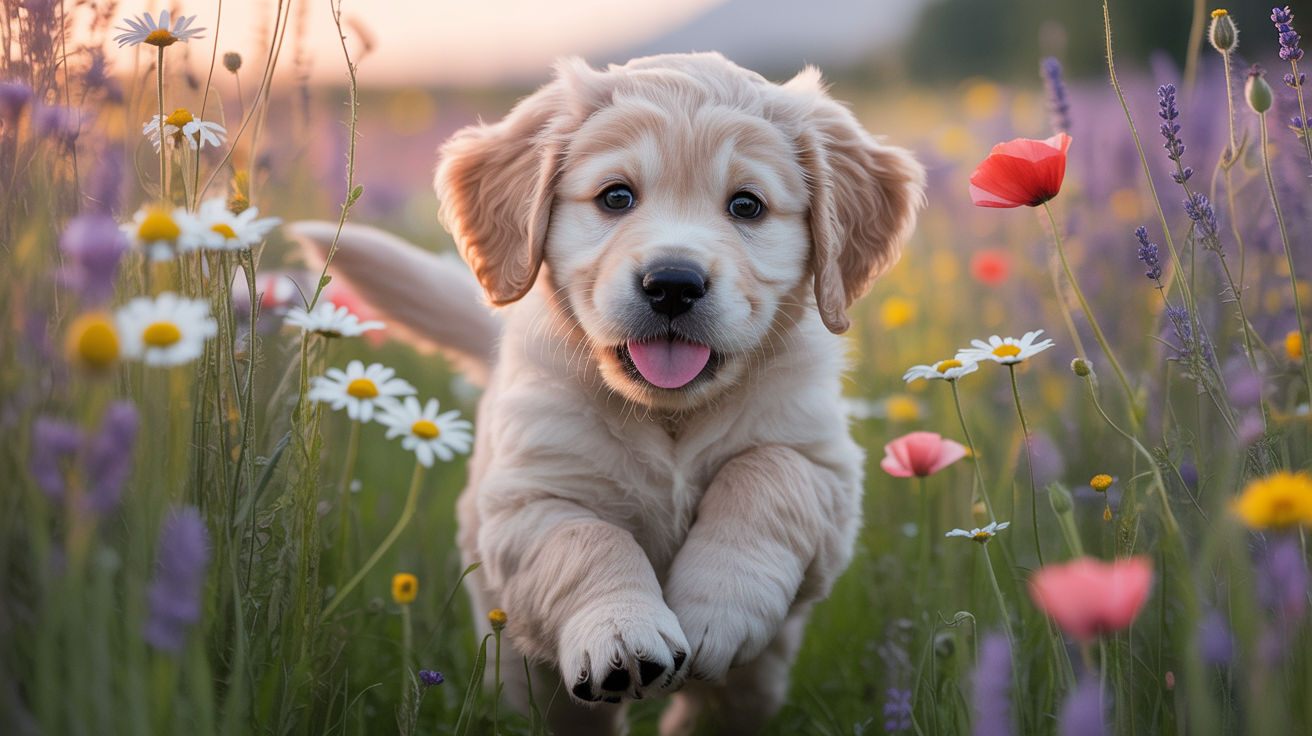
Example of detailed prompting: "Golden retriever puppy in flower field, ultra-realistic, soft focus, warm sunlight"
Step 1: Define the Subject
- Be specific: "Victorian house" to "Weathered Victorian mansion with ivy-covered walls."
- Use nouns that set a clear focal point.
Step 2: Add Key Attributes
- Describe size, texture, details, or uniqueness.
- Example: "Futuristic race car with chrome plating and aerodynamic curves."
Step 3: Choose a Style and Mood
- Reference art movements (Art Deco, Surrealism, Minimalism) or mediums (oil painting, digital art, clay model).
- Add mood descriptors (dreamy, ominous, playful).
Step 4: Layer in Colors and Lighting
- Colors: "Muted pastel tones," "high-contrast neon," "earthy palette."
- Lighting: "Soft golden hour light," "dramatic shadows," "cinematic spotlight."
Step 5: Include Optional Elements
- Secondary details like props, backgrounds, or ambience.
- Example: "With floating lanterns in the sky, river reflections below."
Step 6: Use Exclusions (the '--no' tag)
- Remove unwanted objects/styles: "--no text --no watermark --no blurry".
Useful MidJourney Parameters for Beginners
--ar 16:9: Aspect ratio (e.g. widescreen)--v 6: Model version (newest one usually best)--q 2: Higher quality (uses more credits)--stylize 1000: Adds stronger artistic flair
Example Beginner Prompts
- "Golden retriever puppy in a flower field, ultra-realistic, soft focus, warm sunlight, pastel tones."
- "Steampunk airship over London skyline, intricate brass details, cinematic lighting, in Jules Verne illustration style."
- "Futuristic cityscape at night, neon holograms, rainy streets, anime cyberpunk style, --no people."
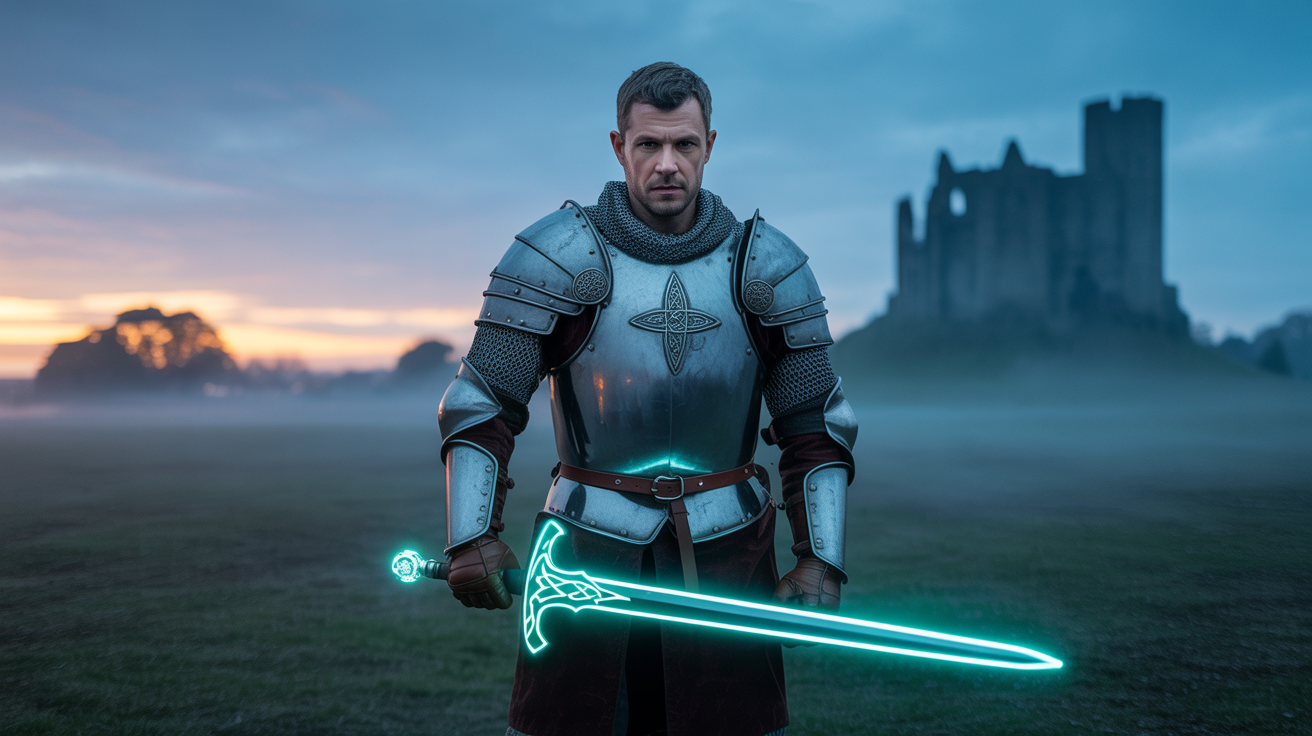
Creative combinations like "Medieval knight with neon weapon" showcase MidJourney's ability to blend contrasting elements
Pro Tips to Level Up
- Combine opposites: "Medieval knight with a neon sword."
- Reference artists: "In the style of Studio Ghibli."
- Iterate: Run variations, upscale, then refine.
- Keep a prompt log: Save your best ones to re-use and tweak.
Final Thoughts
Detailed prompts are the difference between random images and art you're proud of. Once you get comfortable layering subject, style, lighting, and mood, you'll find MidJourney isn't just an AI tool: it's a canvas for your imagination.
Start with the basic structure, experiment with the examples provided, and don't be afraid to get creative with your combinations. The more specific and descriptive your prompts, the more impressive your results will be.